
Complete Preliminary for Schools Presentation Plus Windows — interactive classroom presentation tool for PC
Teach Cambridge B1 Preliminary for Schools (PET for Schools) with confidence using Complete Preliminary for Schools Presentation Plus Windows. Designed for Windows PCs, this Presentation Plus software helps you deliver clear, well-paced whole-class lessons by projecting course content on a screen or interactive whiteboard—ideal for schools and language centers preparing teen learners for the B1 exam.
Presentation Plus keeps everything organized and easy to access during class. Navigate quickly between units and activities, zoom in on task instructions, highlight key language, underline answers, and add teaching notes in real time. This supports effective exam training across Reading, Writing, Listening, and Speaking, while improving classroom interaction and saving lesson preparation time.
Key features
-
Windows-compatible Presentation Plus for classroom teaching
-
Project course content for whole-class instruction
-
Zoom & quick navigation across units, pages, and activities
-
Annotation tools: highlight, underline, add notes, and mark answers on screen
-
Supports exam skills practice with smoother lesson pacing and clearer modeling
-
Time-saving setup: keeps teaching materials in one place
Best for
-
Teachers preparing students for Cambridge B1 Preliminary for Schools
-
Classrooms using Windows PC + projector/interactive whiteboard
-
Schools/centers that want consistent, professional exam lesson delivery
What you receive
-
Complete Preliminary for Schools Presentation Plus Windows installer/package
| Image | Name | Price | Buy |
|---|---|---|---|
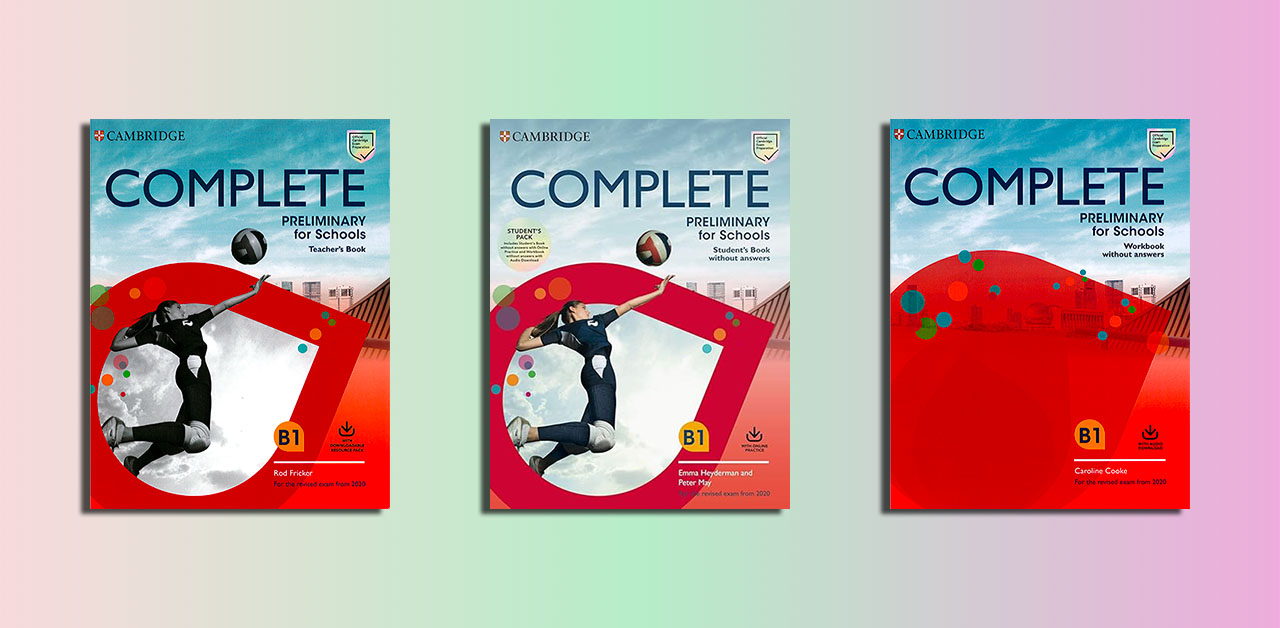 | Complete Preliminary for Schools PDFs, Resources | $8 | |
| Complete Preliminary for Schools Presentation Plus Mac | $8 | |
| Complete Preliminary for Schools Presentation Plus Windows | $8 |
Cambridge Complete Preliminary for Schools B1 Pdf Presentation Plus
Related products

Presentation Plus

Presentation Plus

Presentation Plus
Presentation Plus

Presentation Plus

Presentation Plus

Presentation Plus

Presentation Plus