

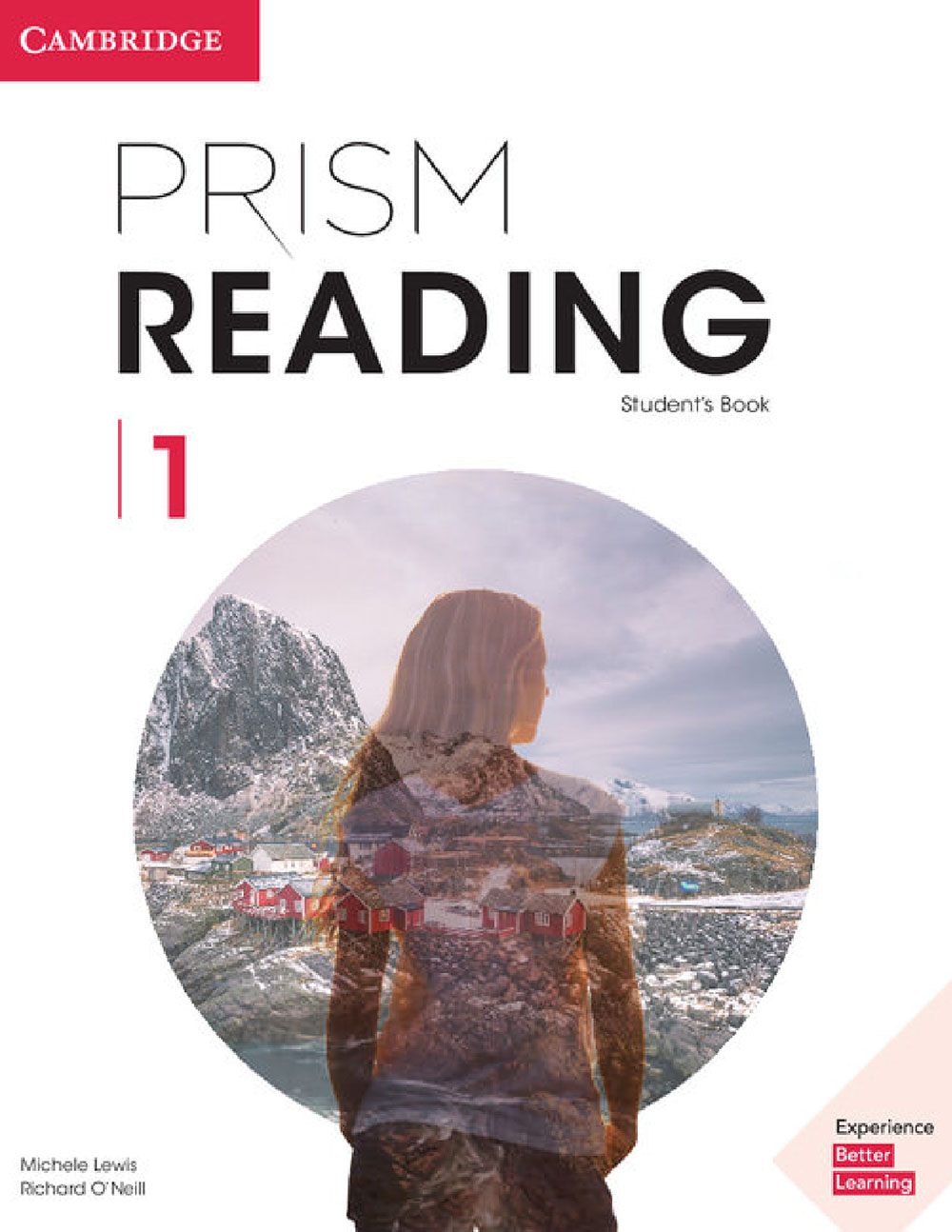
Prism Reading 1 Presentation Plus Windows – Interactive Presentation Software for Teachers
Teach with clarity and speed using Prism Reading 1 Presentation Plus Windows—a convenient digital presentation tool made for classroom delivery. This Windows version is ideal for projecting Prism Reading 1 content on a screen or interactive whiteboard, helping students follow the text, tasks, and strategies step by step.
With easy navigation and built-in classroom tools, you can highlight important information, explain reading skills clearly, and manage lesson flow without switching between multiple files. It’s especially useful for academic reading and EAP-style classes where learners need strong support with comprehension, vocabulary, and critical reading.
Key features
-
Designed for Windows PC classroom use
-
Project Prism Reading 1 content for whole-class teaching
-
Zoom & quick navigation between pages and units
-
Annotate on screen: highlight, underline, add notes and reminders
-
Integrated media support (where included) for smoother lesson delivery
-
Saves preparation time and keeps lessons consistent
Best for
-
Teachers using Prism Reading 1 in class
-
EAP / Academic English programs
-
Lessons with projector / interactive whiteboard on Windows
What you receive
-
Prism Reading 1 Presentation Plus Windows installer/package
| Image | Name | Price | Buy |
|---|---|---|---|
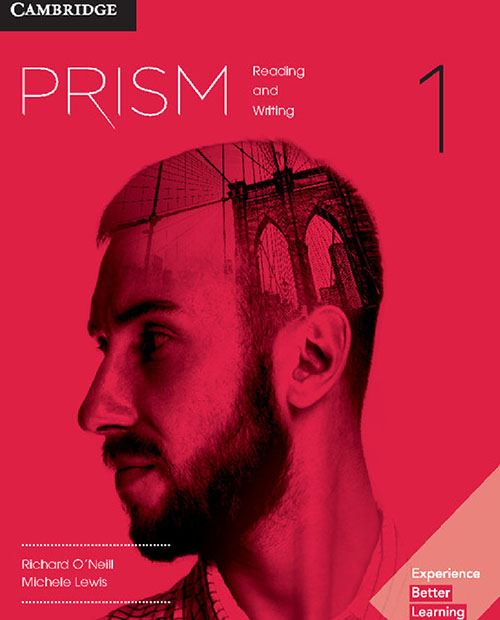 | Prism 1 (PDFs, Resources) | $8 | |
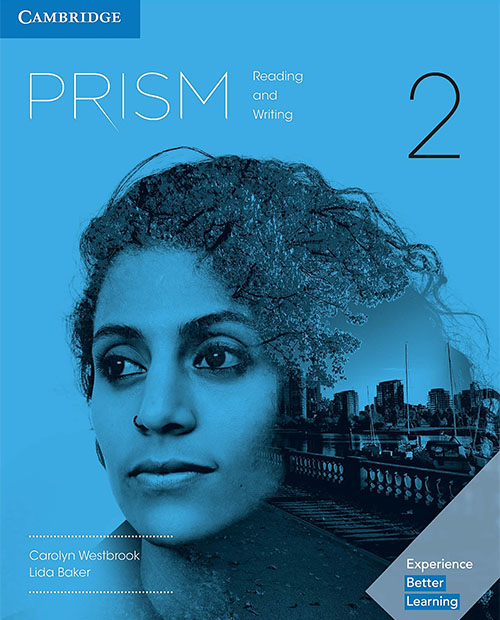 | Prism 2 (PDFs, Resources) | $8 | |
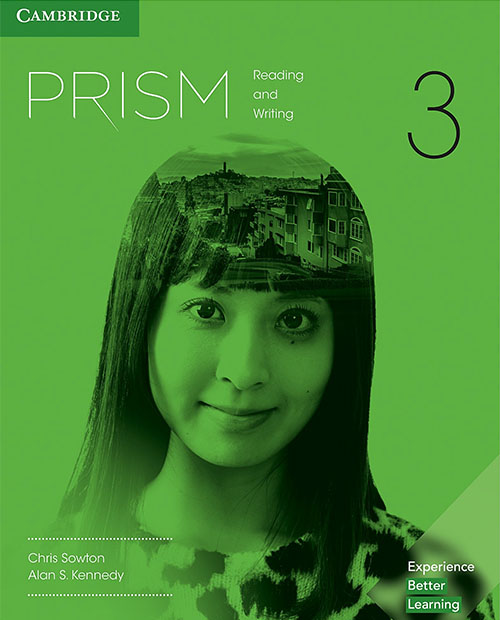 | Prism 3 (PDFs, Resources) | $8 | |
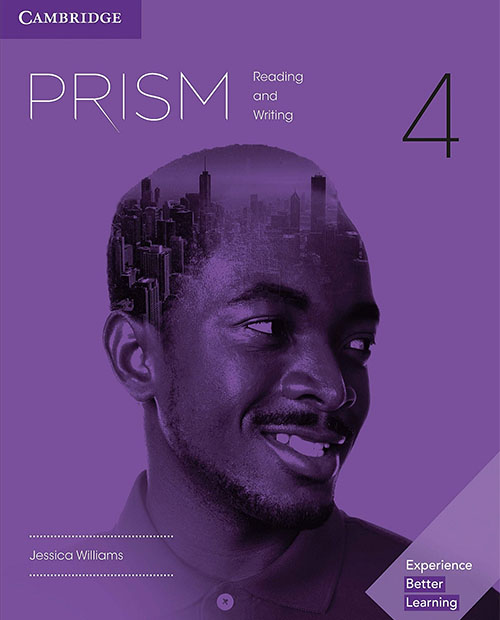 | Prism 4 (PDFs, Resources) | $8 | |
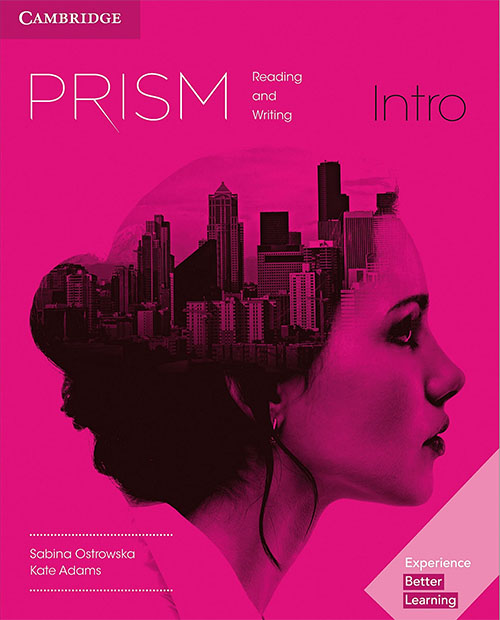 | Prism Intro (PDFs, Resources) | $8 | |
 | Prism - All 5 Levels (PDFs, Resources) | Original price was: $40.$30Current price is: $30. |
Related products
Presentation Plus
Presentation Plus
Presentation Plus
Presentation Plus
Presentation Plus
Presentation Plus
Presentation Plus
Cambridge Primary Path Presentation Plus Windows – All 7 Levels
Presentation Plus
Super Minds 2nd Edition Presentation Plus Mac – All 7 Levels