

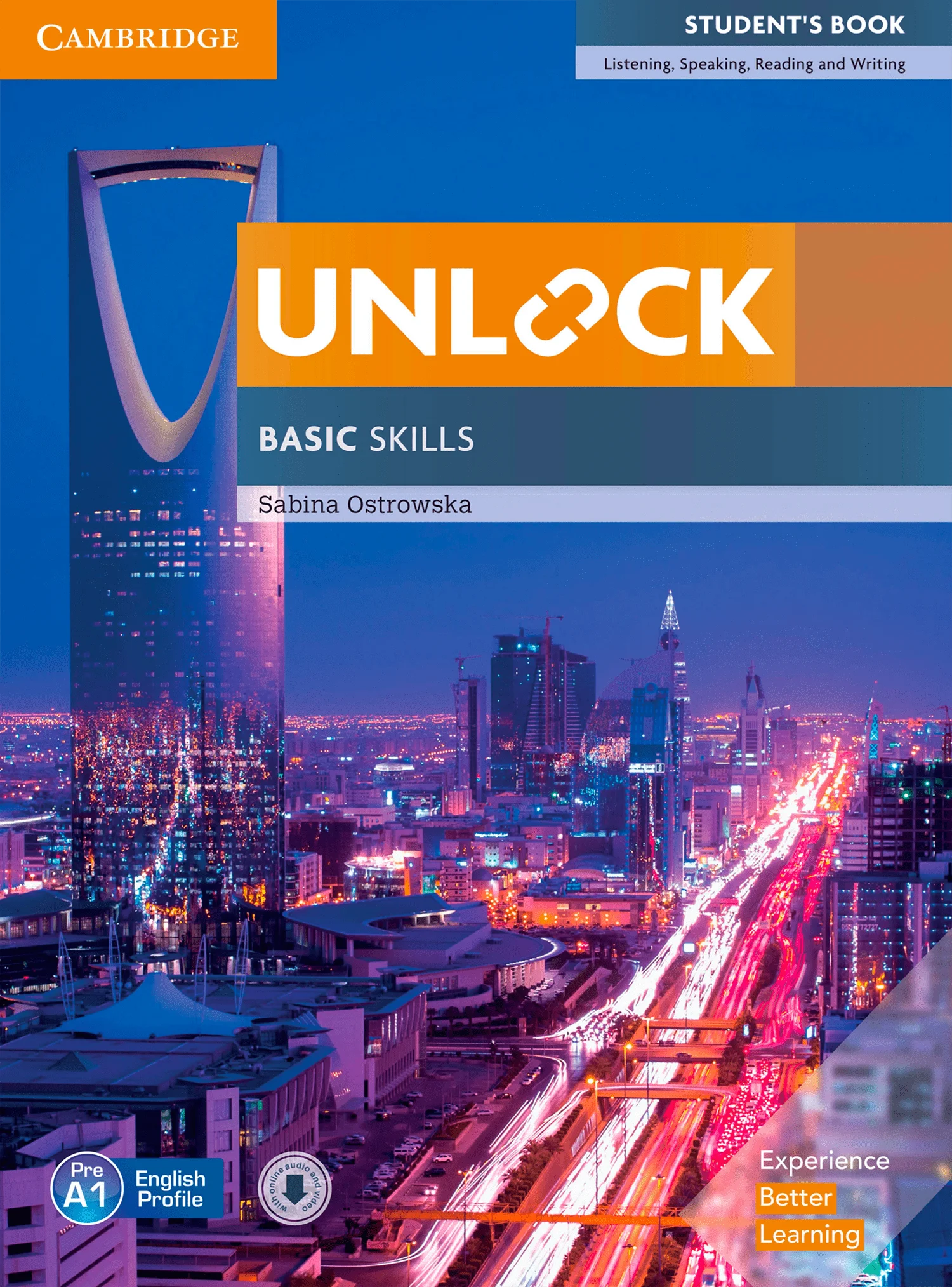
Unlock Basic Skills Presentation Plus Windows
$6
Build strong foundations with Unlock Basic Skills Presentation Plus (Windows). This interactive classroom presentation tool for Windows helps you teach core English skills with clear on-screen lessons, smooth navigation, and teacher-friendly tools—ideal for classroom or online teaching.
Interactive Basic Skills teaching on Windows
Unlock Basic Skills Presentation Plus (Windows) is a digital classroom presentation tool designed to support foundational English learning. It helps teachers deliver clearer, more engaging lessons on a Windows PC by presenting course content on screen and providing practical classroom tools to guide practice and review.
Whether you teach in a classroom with a projector/TV or online via screen sharing, this tool makes it easier to run lessons smoothly and keep learners focused on essential skills.
What it supports (Basic Skills focus)
This Presentation Plus package is ideal for building core English foundations such as:
- Vocabulary and everyday language
- Listening and speaking confidence
- Pronunciation support and guided practice
- Step-by-step classroom activities for beginner-level learners
What you can do with Presentation Plus
With the Windows version, you can:
- Display lesson content on screen for whole-class teaching
- Zoom in and highlight key points to keep students focused
- Annotate directly on the screen to explain and check answers
- Navigate quickly between units and activities to save lesson time
- Support both in-person and online teaching using a Windows computer
Who it’s for
- Teachers teaching beginner / foundational-level learners
- Schools and language centers using Windows-based classroom setups
- Tutors who want a clean, professional teaching workflow
System compatibility
- Designed for Windows (PC/laptop)
Note: This product is a Presentation Plus package for Windows (digital classroom presentation software) focused on Basic Skills.
Unlock 2ed Presentation Plus Demo (Offline iTools)
Cambridge Unlock 2nd Edition Pdf Presentation Plus (Pre A1 / C1)
Related products
Presentation Plus
Presentation Plus
Cambridge Primary Path Presentation Plus Windows – All 7 Levels
Presentation Plus
Presentation Plus
Presentation Plus
Presentation Plus
Presentation Plus
Presentation Plus
Super Minds 2nd Edition Presentation Plus Mac – All 7 Levels